 Pen Friend
Turn handwritten maths into LaTeX on iPad
Maths is easier to think through with a pen than with a keyboard, and miserable to type up afterwards. Pen Friend lets you do the working by hand on the iPad, ask for help on the page when a step will not come, and copy the finished equation out as LaTeX in one tap.
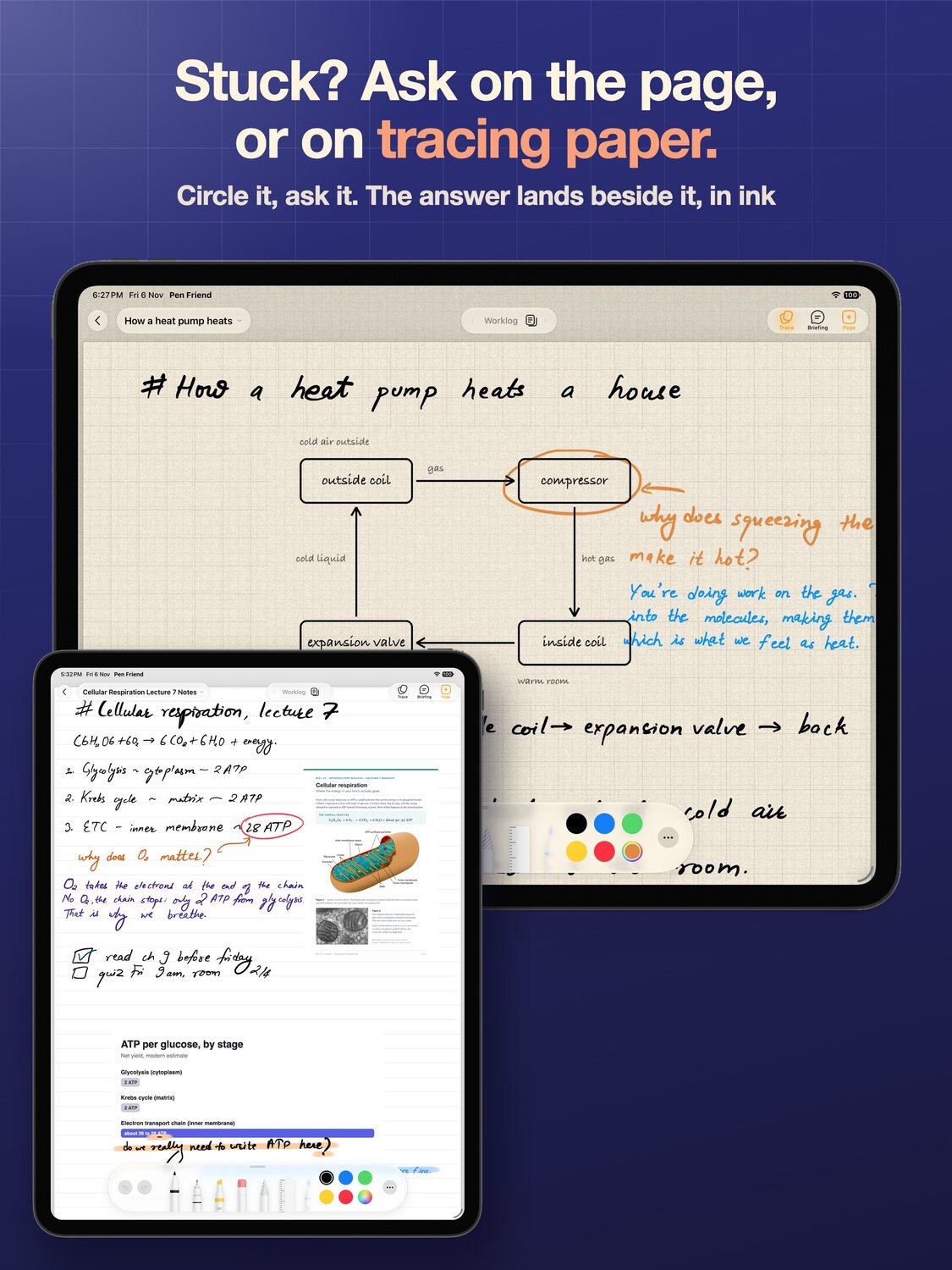
Work it by hand
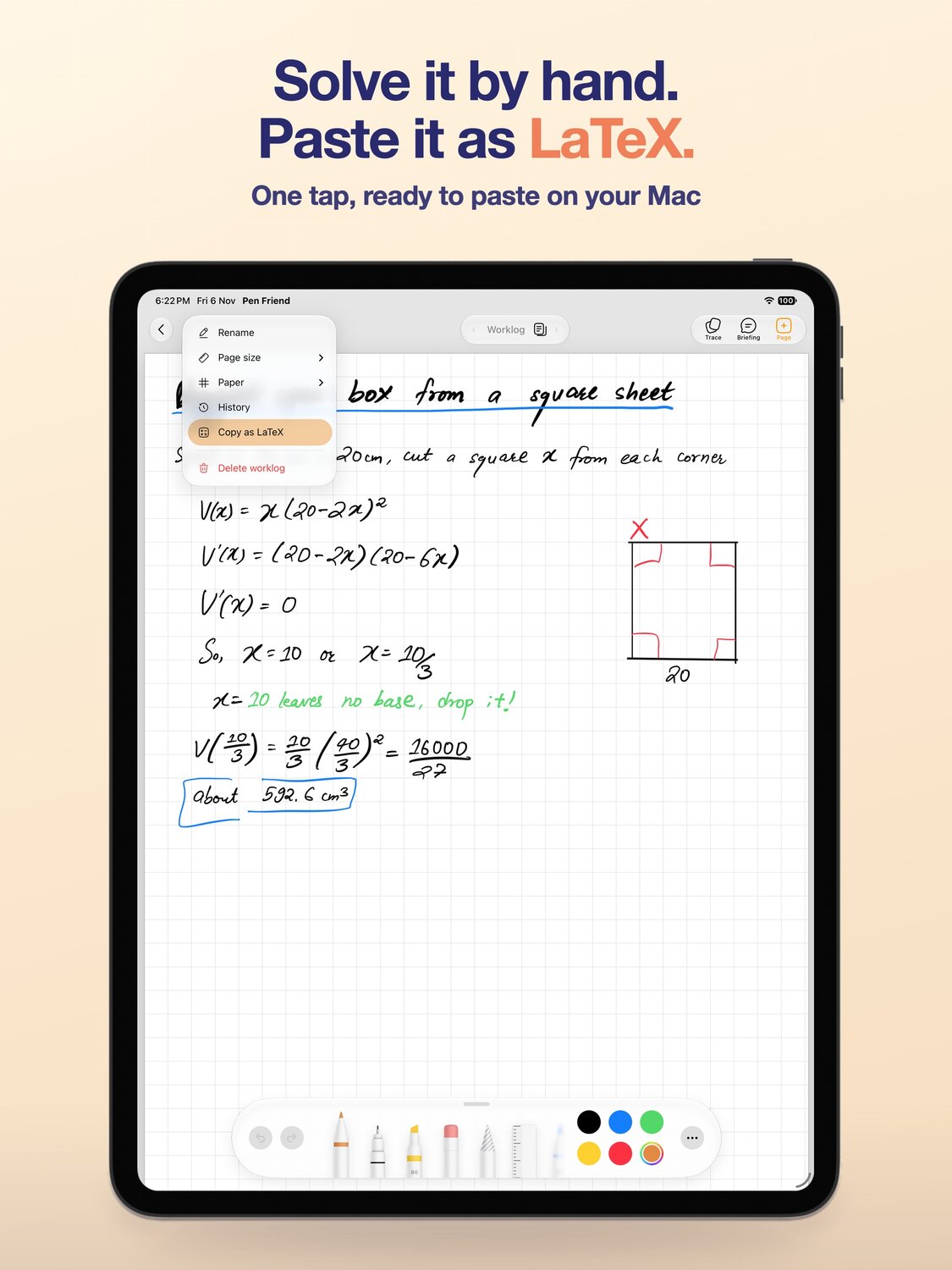
Write the problem on grid paper, the way you would on a pad. There are four papers, grid, lined, dotted and blank, and five page sizes, on real pages you turn. Zoom in and small subscripts and crowded fractions stay readable.
Working from a textbook or a problem sheet? Double tap the page with a finger to paste a picture of the question. It lands as a card you can move, resize and write around.
Get unstuck without leaving the page
When you hit the step you cannot see, write the question beside it, end it with a question mark, and pause. A dotted line appears under it. Tap the line and the pen friend reads the page and writes back beside your question in handwriting, with a worked step rather than a bare answer. Ask for a diagram and it draws one with labels.
If you would rather keep the page itself clean, have the answer written on tracing paper instead, or tap Trace in the bar to bring a sheet down over the page and circle what you are stuck on. The page underneath stays exactly as you wrote it, and a second tap lifts the paper away.
Copy it as LaTeX
Once the equation is right, copy it as LaTeX in one tap and paste it into a paper, a notebook or a chat. No retyping fractions, no hunting for the backslash.
The ink stays on the page, so you keep the handwritten working and the clean copy side by side, and the page can still be searched later by what it was about.
Send the whole page to your Mac
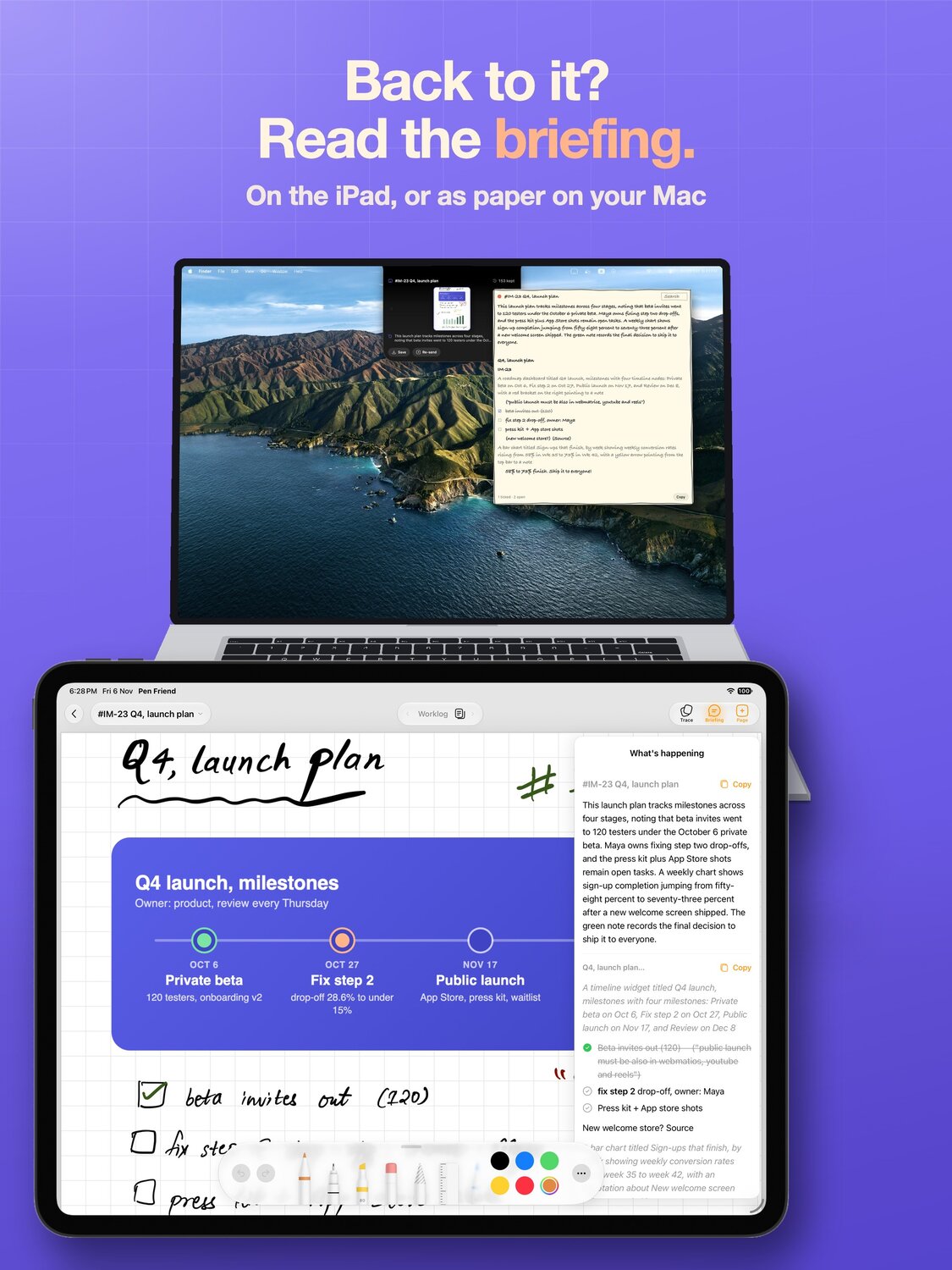
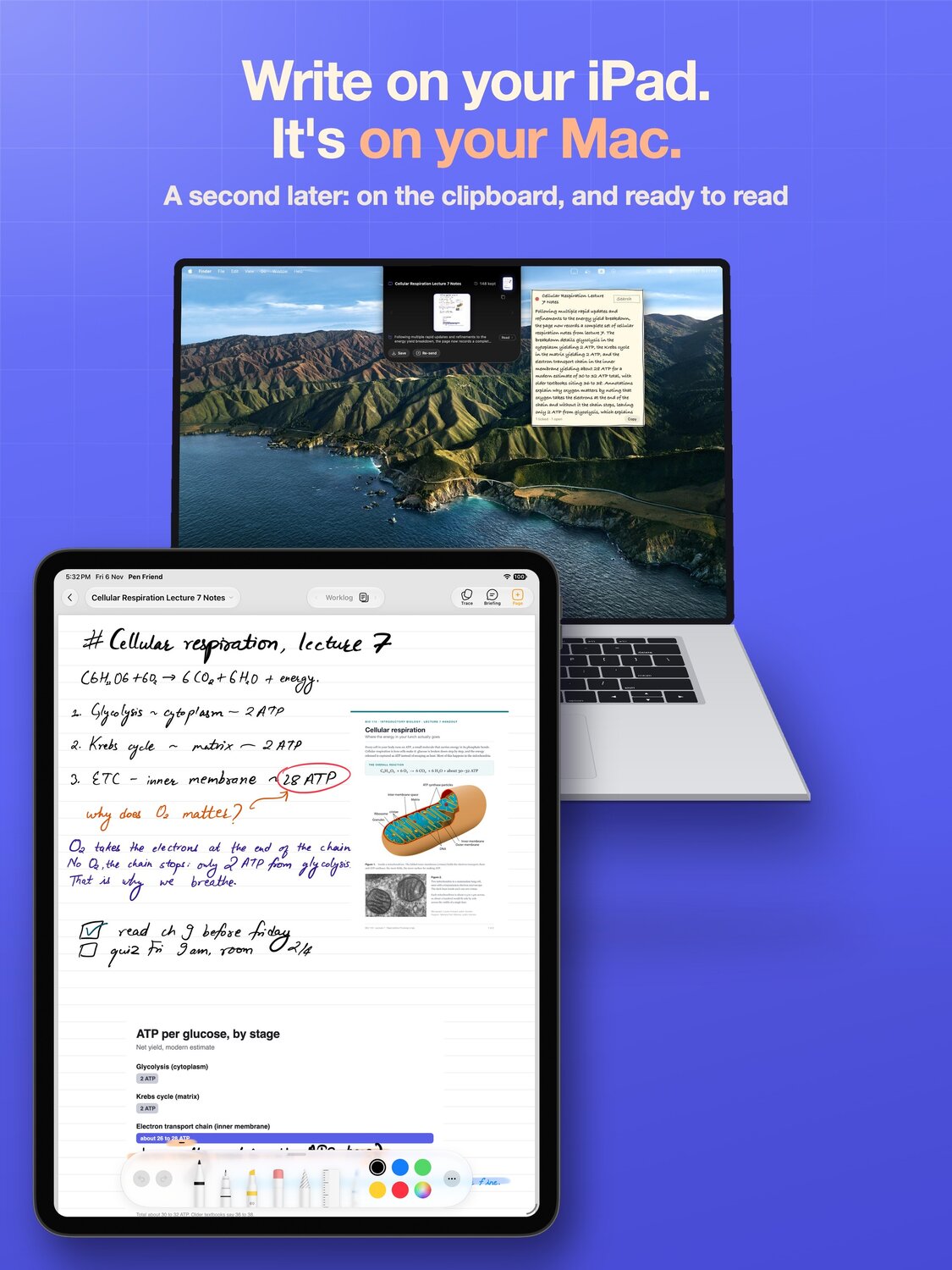
If you write next to a Mac, one flick copies the page, and ⌘V on the Mac pastes it, so the working lands in your document without a round trip through AirDrop. There is nothing to install for that, and the free Mac companion adds a folder on the Mac where flicked pages land.
What it needs
Asking the pen friend uses Google's Gemini model: a picture of the page is sent so it can be read, and the privacy policy says exactly what goes and when. If you would rather not see the dotted line under your questions, turn off Underline questions in Settings.
Pen Friend is free on the App Store for iPad, with no account and no subscription. It suits students working problem sets, people writing papers who think in equations, and anyone who keeps a worklog of calculations.