 Pen Friend
Convert handwriting to text on iPad, headings and all
Writing by hand is how a lot of people think. The trouble starts afterwards, with the three lines that have to become an email and the notes that have to become a ticket. Pen Friend reads your handwriting and gives you the page back as clean typed text, so nothing has to be typed out a second time.
Every page, typed up
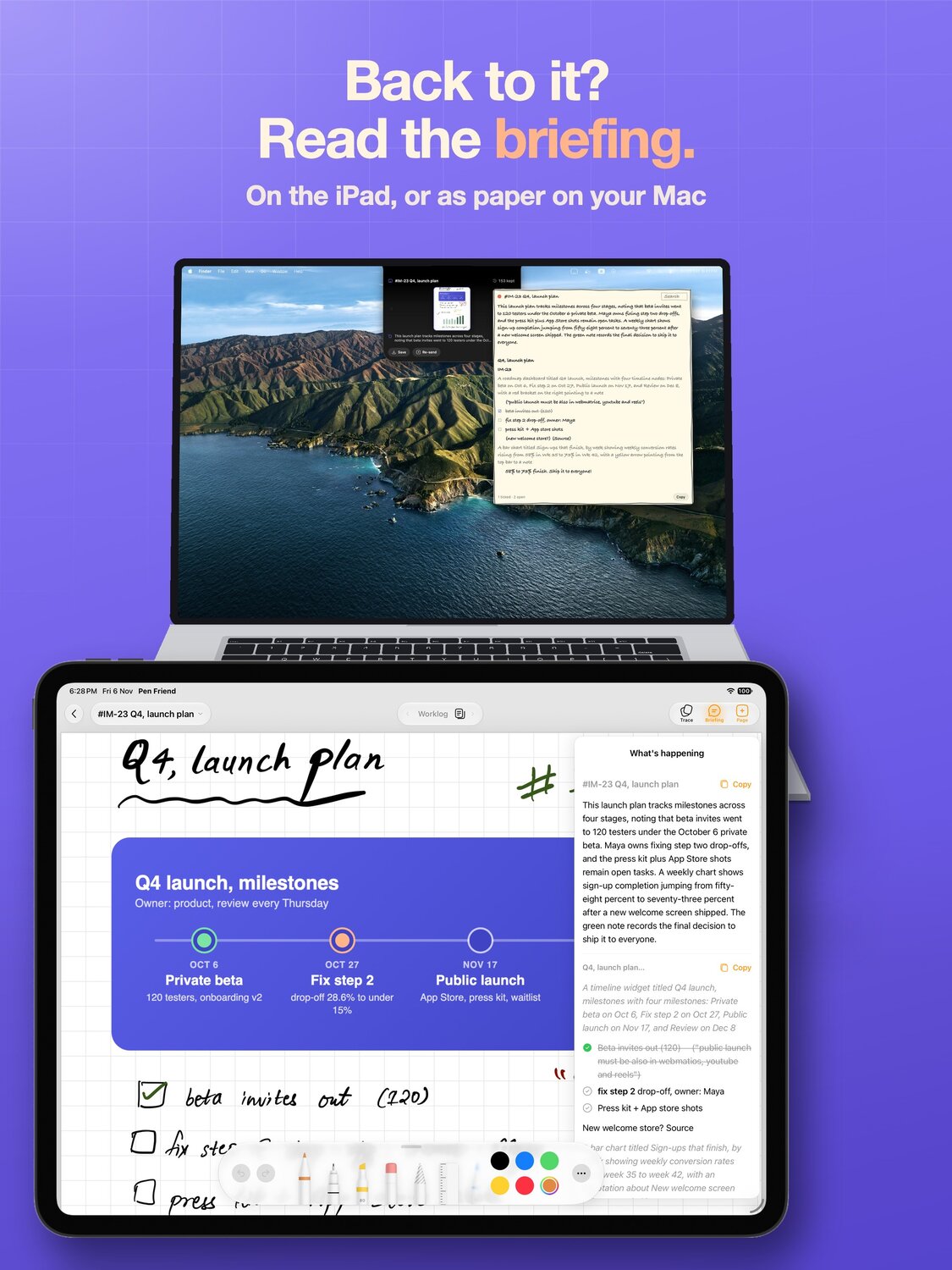
Each page is read whole and typed up as clean text, with its headings kept as headings, its lists kept as lists, and its pictures numbered. Meeting notes become something you can paste into an email, a worklog becomes a ticket, a draft becomes a document.
The ink stays on the page. You keep the handwritten original exactly as you wrote it, and you get the typed copy as well.
Straight to your Mac
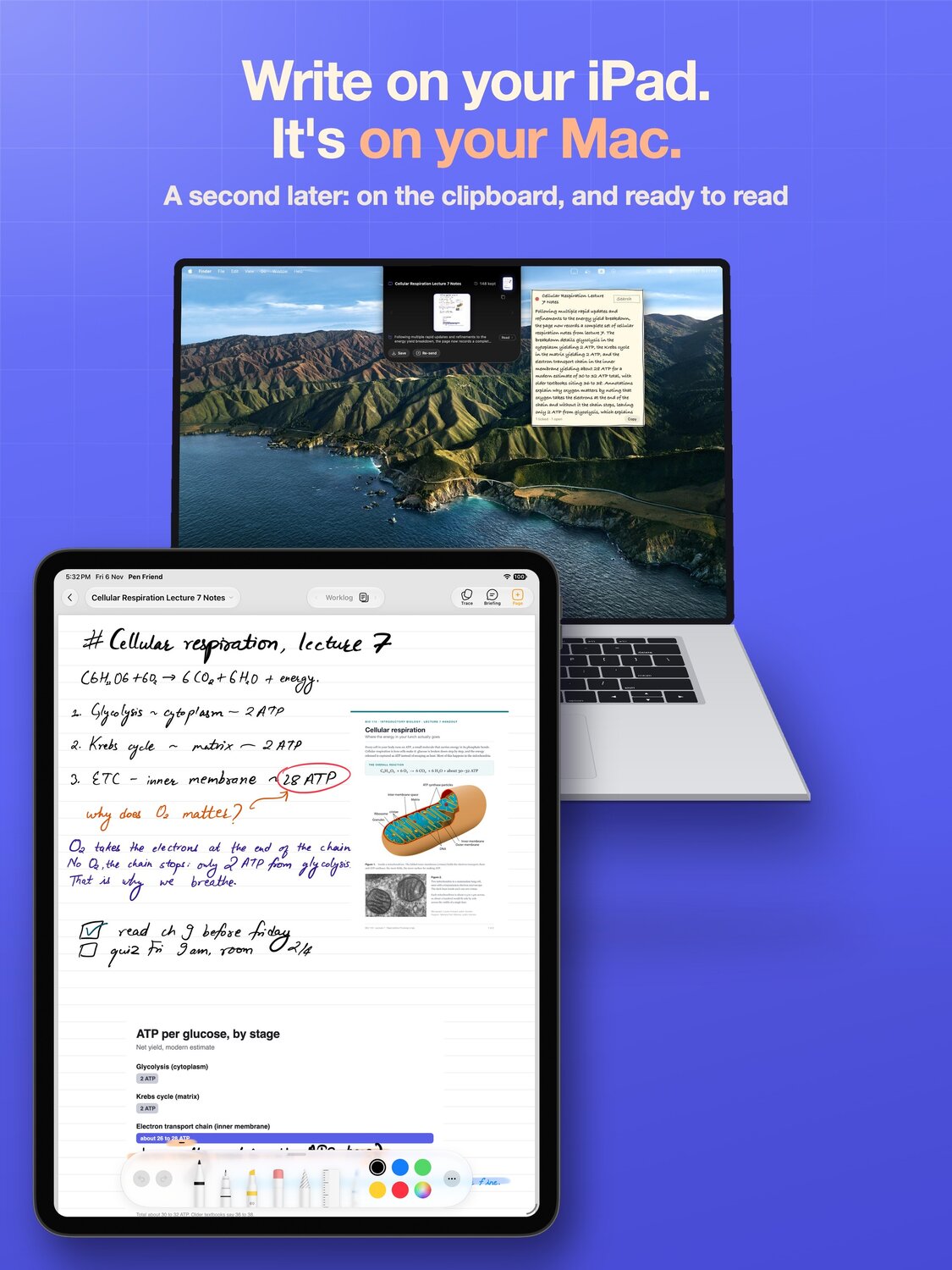
One flick copies the whole page, and ⌘V pastes it on your Mac: the typed text plus the page images, drawings and scribbles included. Paste it into a doc, a ticket or a chat with an AI, wherever the work is. There is nothing to install for that.
Turn on Pen Friend Companion in Settings and the iPad and the Mac also talk directly over your own network, so flicked pages land in a folder on the Mac where you can read them at your desk. There is no account to sign in to and no server of mine in between.
The same reading powers search
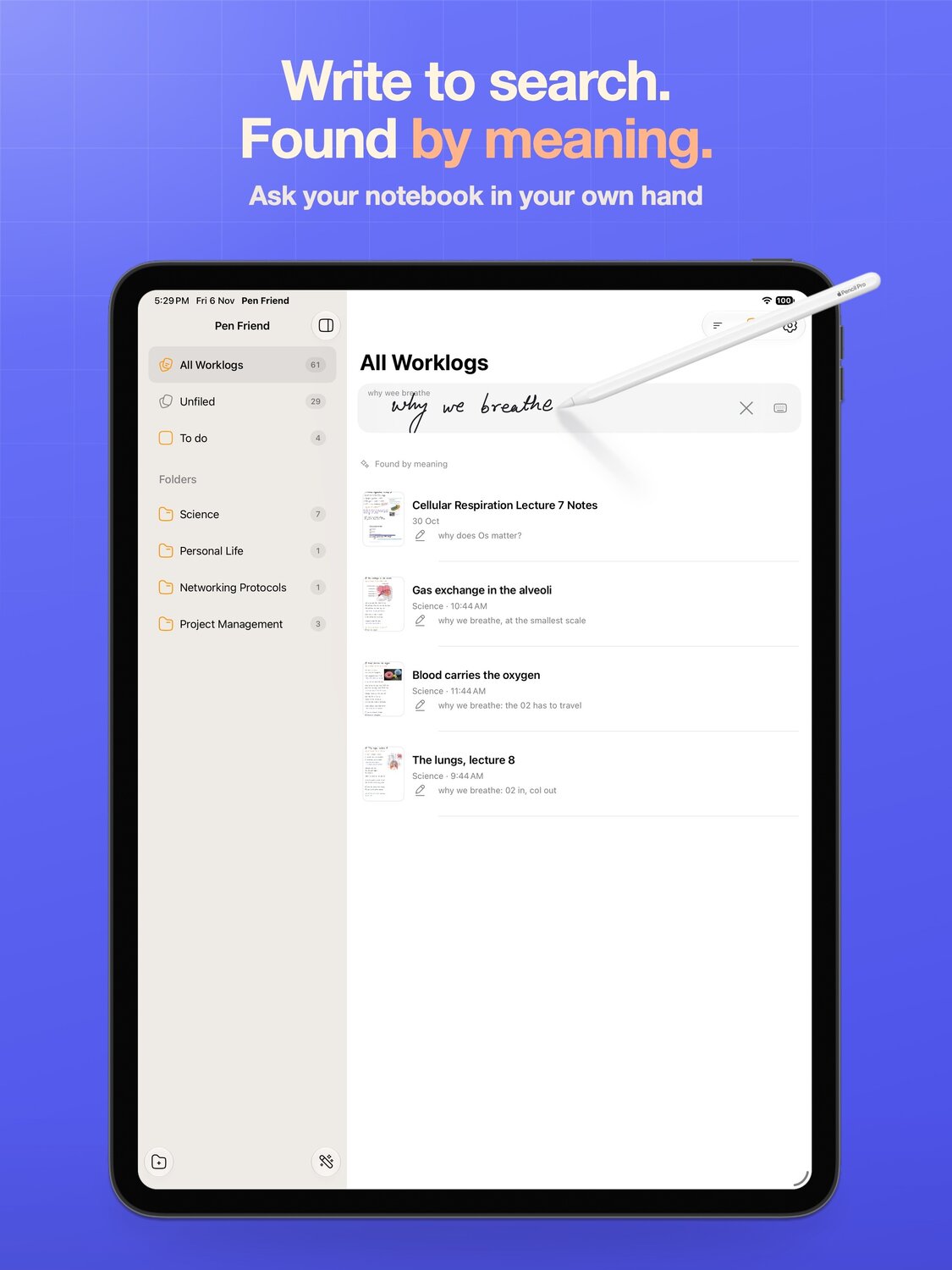
Because every page is read, every page can also be found again. Write what you half remember into the search field, in your own hand, and Pen Friend finds the page by what it was about, across every worklog and folder, not by matching your scrawl to a string.
Typed text comes back onto the page
It works in the other direction too. Double tap the page with a finger to paste, and copied text arrives as a sheet in a handwriting face, ready to move, resize and write around. A copied picture lands as a card you can move and resize.
What it needs
The reading is done by Google's Gemini model, from a picture of each page, shortly after you stop writing on it.
You can see exactly what is sent in the privacy policy. Nothing about it is tied to an account, because there is no account.
Who it suits
People who take notes by hand next to a laptop: in meetings, in lectures, while reading a paper, while debugging. If the handwriting is where you think and the computer is where the work goes, this is the joint between them. Pen Friend is free on the App Store for iPad, and the Mac companion is free too.