 Pen Friend
Get handwritten iPad notes onto your Mac in a second
Most of what people write about by hand is on a Mac screen: a bug, a chart, a page of a paper. Getting it onto the iPad usually means AirDrop, accept, find it in Files, insert it. Getting the page back is the same trip in reverse. Pen Friend and its free Mac companion make each direction one step.
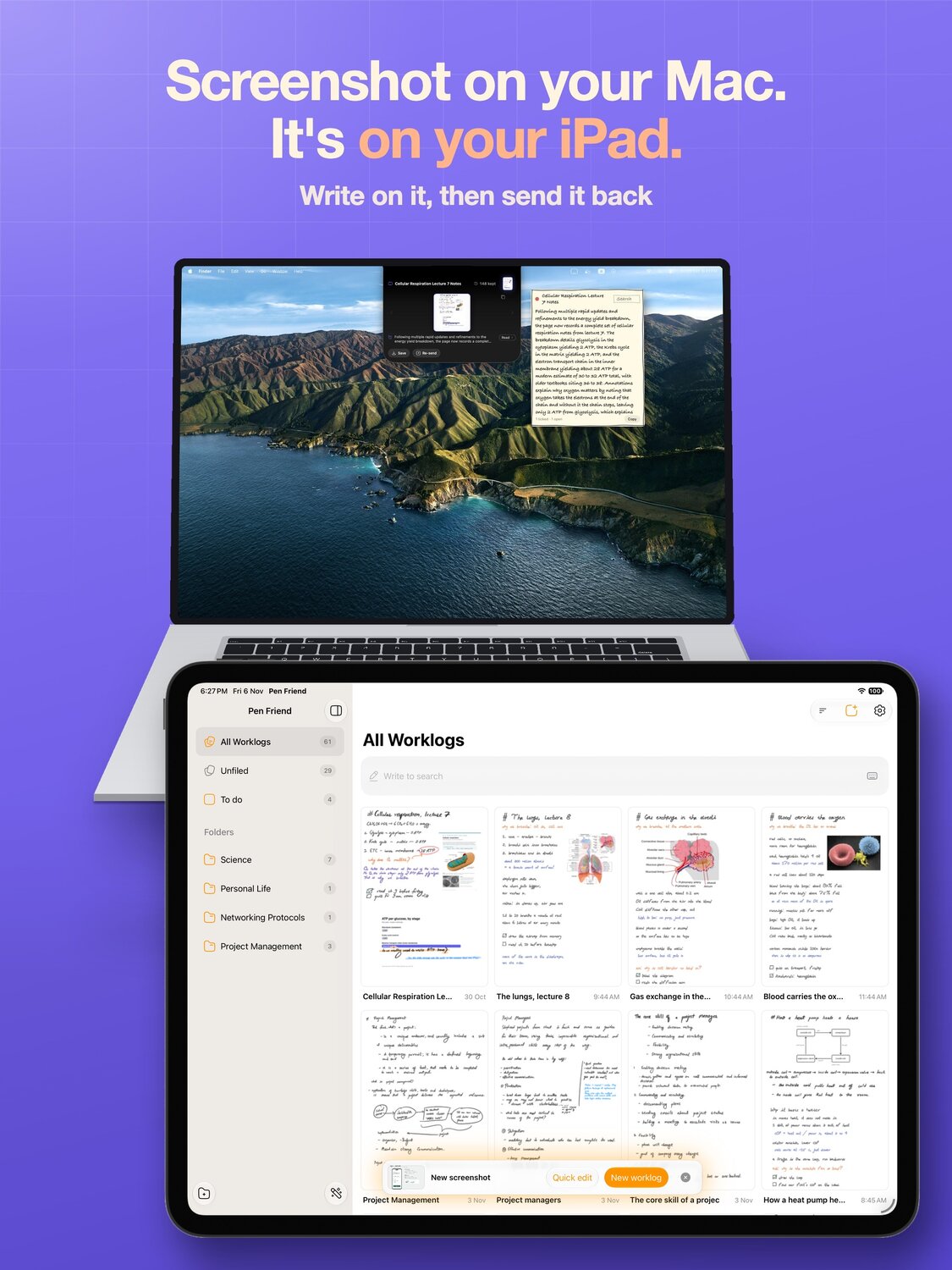
A Mac screenshot, onto the iPad page
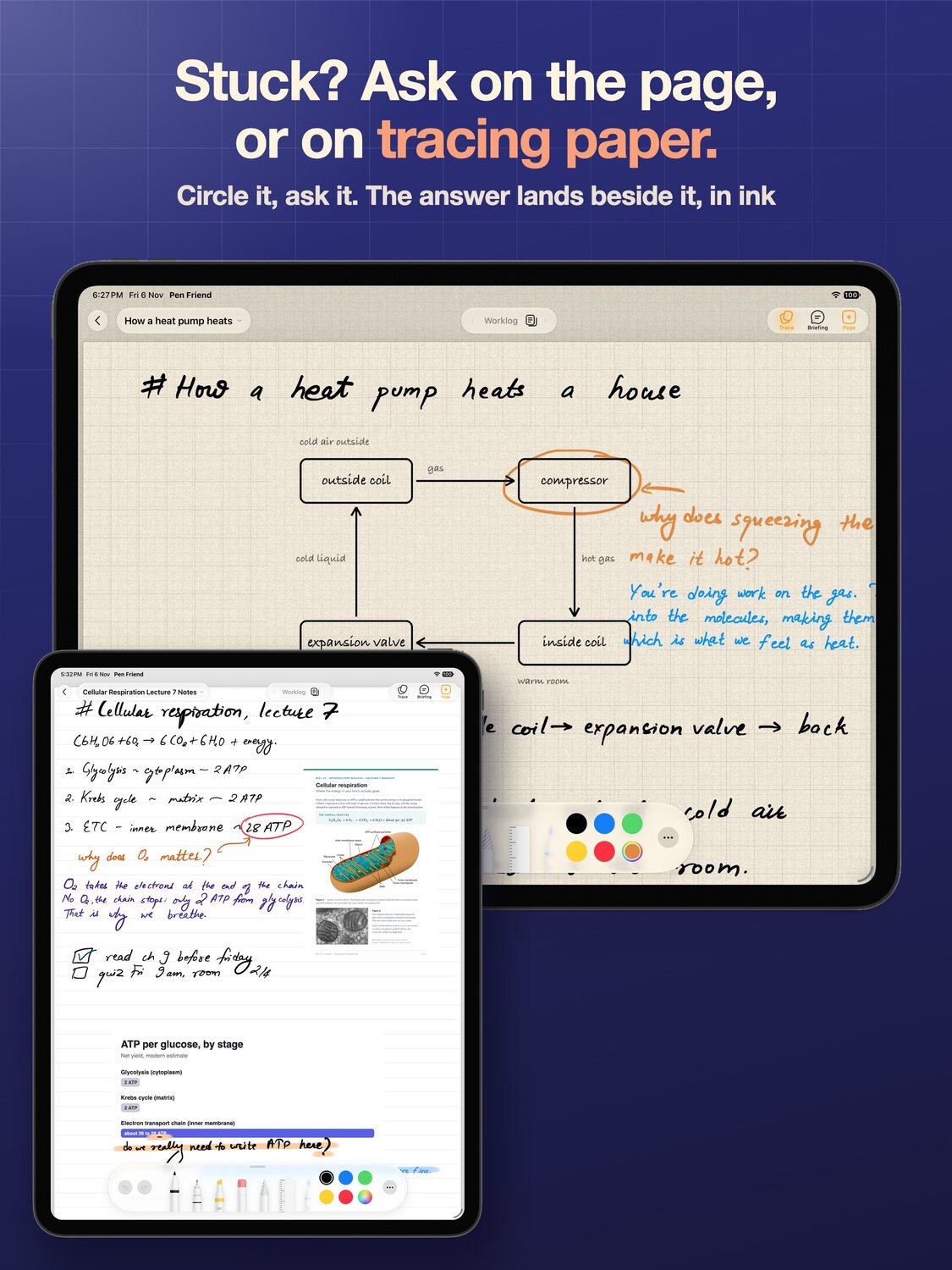
With the Mac companion on, take a screenshot on the Mac and it lands on the page you are writing on about a second later, ready to circle and annotate with the Pencil. There is no paste dialog to allow and nothing to AirDrop.
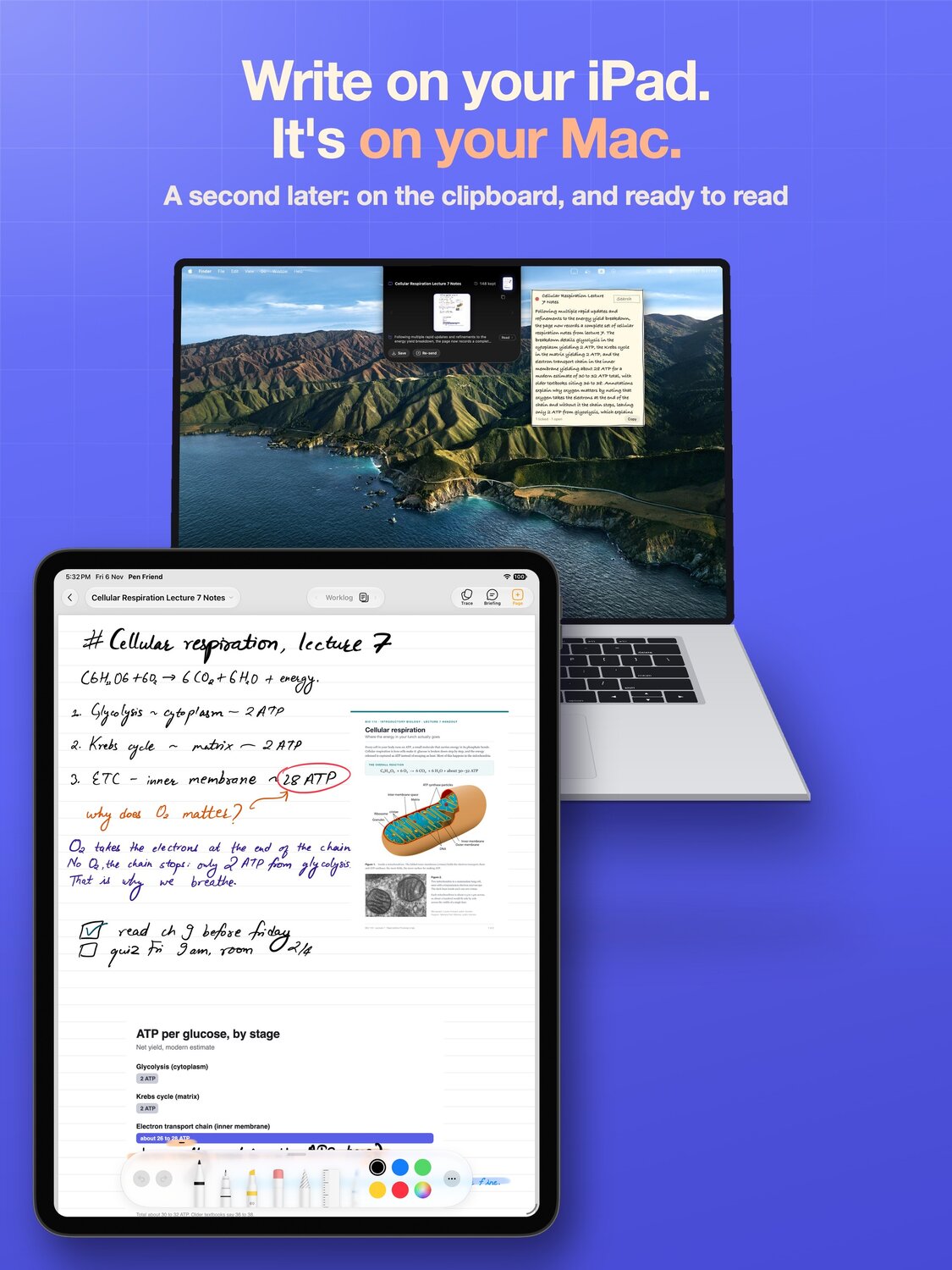
The finished page, back on the Mac
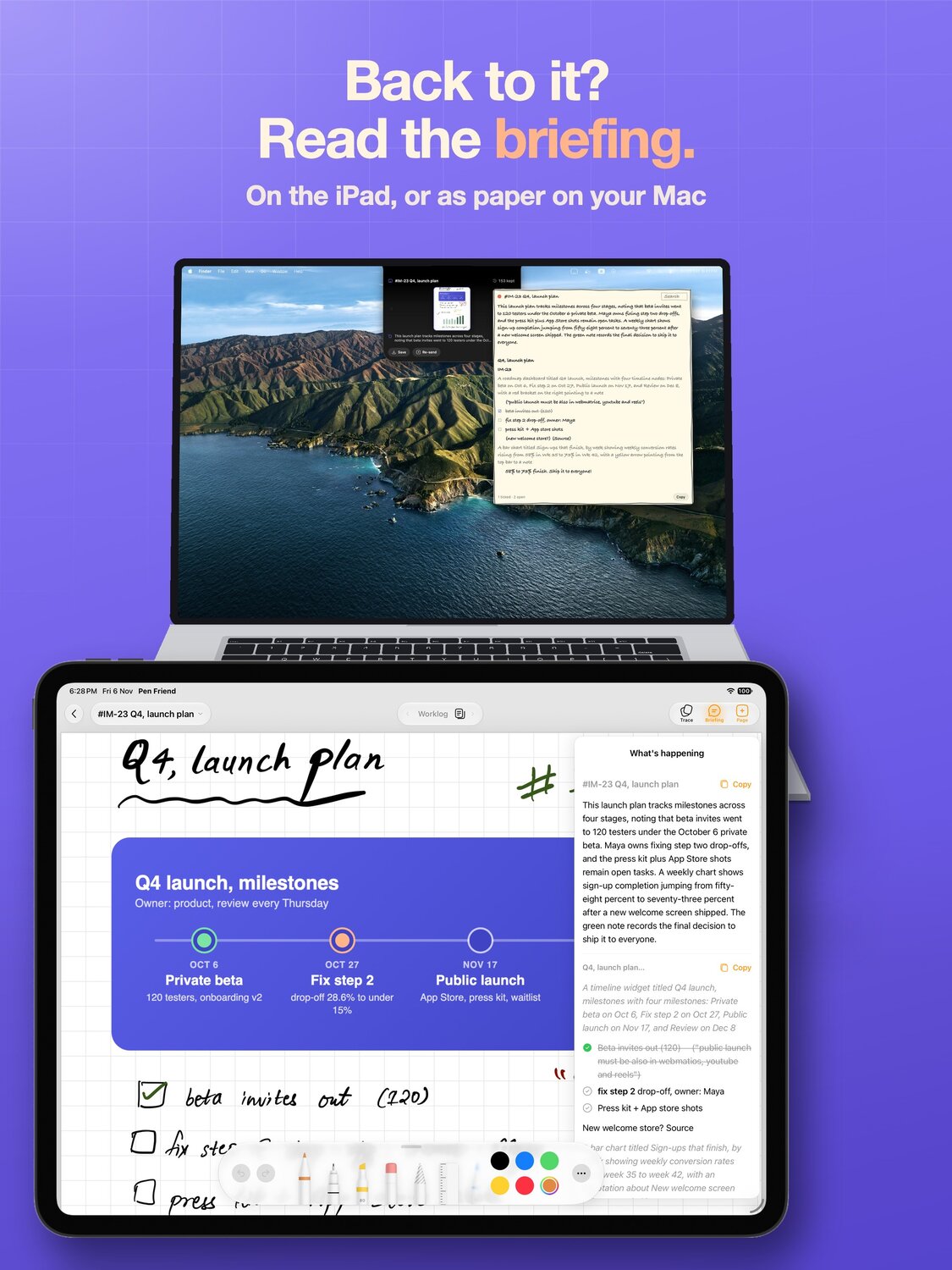
When the page is done, flick it, and the whole page is on the clipboard: the typed text and the page images, ready to paste with ⌘V on the Mac into a doc, a ticket or a chat. That part needs no companion at all. With the companion on, flicked pages also land in a folder on the Mac, so you can read them at your desk.
PDFs arrive as pages
Drop a PDF on the Mac app and it arrives on the iPad as real pages you can write between, not a flat picture, with the text blocks placed where they actually sit. Mark it up with the Pencil and send it straight back to the Mac as a PDF.
It exists because two grad students, both in the middle of a paper, asked for exactly this within a day of each other. People taking notes next to a laptop are mostly taking notes about a document.
How the connection works
The two apps talk over your own network, with no account and no server in between. On the Mac the companion has no window and no menu bar icon; it sits in the notch and wakes up when a page moves.
Turn it on with the Pen Friend Companion switch in Settings in Pen Friend. Only then does the iPad ask for Local Network access, and the first time it asks before joining a Mac it has not used before, while the Mac chimes to ask you too. If you said no to a permission by accident, turn it back on in Settings on the iPad, under Apps, Pen Friend.
What it is not
Sidecar is free, built in and much better at turning the iPad into a second display or a drawing tablet. That is a different job. Pen Friend is a notebook whose pages move between the two machines, and the round trip is the part it is built for.
What you need
Pen Friend runs on iPadOS 18 or later and the Mac companion on macOS 15 or later, and you need an Apple Pencil. Both apps are free, with no account and no subscription, and your notes back up to your own iCloud.